cat ~/writing/trying-apples-new-app-store-images.md
Trying Apple's New App Store Images
My last real post here was in May 2025. Then I stopped writing, but I kept building.
Since then I've made three apps:
- AstralAge, your age and birthdays across the solar system
- BuildSweeper, which cleans up build artifacts and developer caches on macOS
- ChassisWatch, MacBook automations triggered by hardware events
While I was getting the latest AstralAge update ready, I noticed two new image slots in App Store Connect.
A search result image
Apple now lets developers add a search result image: a single 1920 × 1280 picture shown with the app when it comes up in App Store search. I haven't seen many apps use one yet, so I made one for this release.
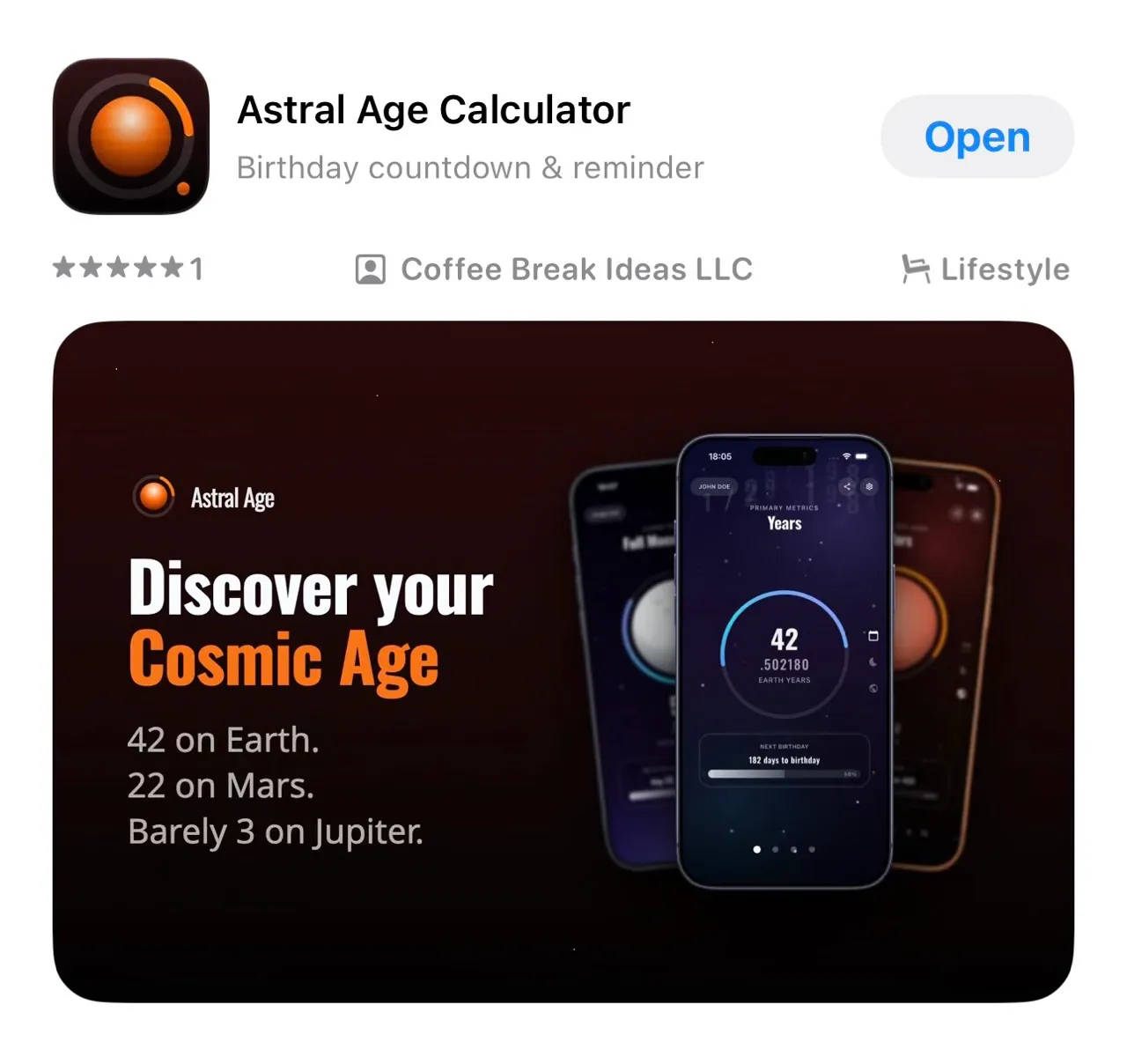
I made five versions, one for each thing people search for: exact age, birthday countdown, days lived, full moons and Mars. I ended up uploading the 'exact age' version: 42 on Earth, 22 on Mars, 3 on Jupiter.
A header for the product page
The second new image is the product page header, a wide 3840 × 1646 banner at the top of the app's page. Mine is the AstralAge logo in front of stars streaking out from the center, as if you were flying through space.
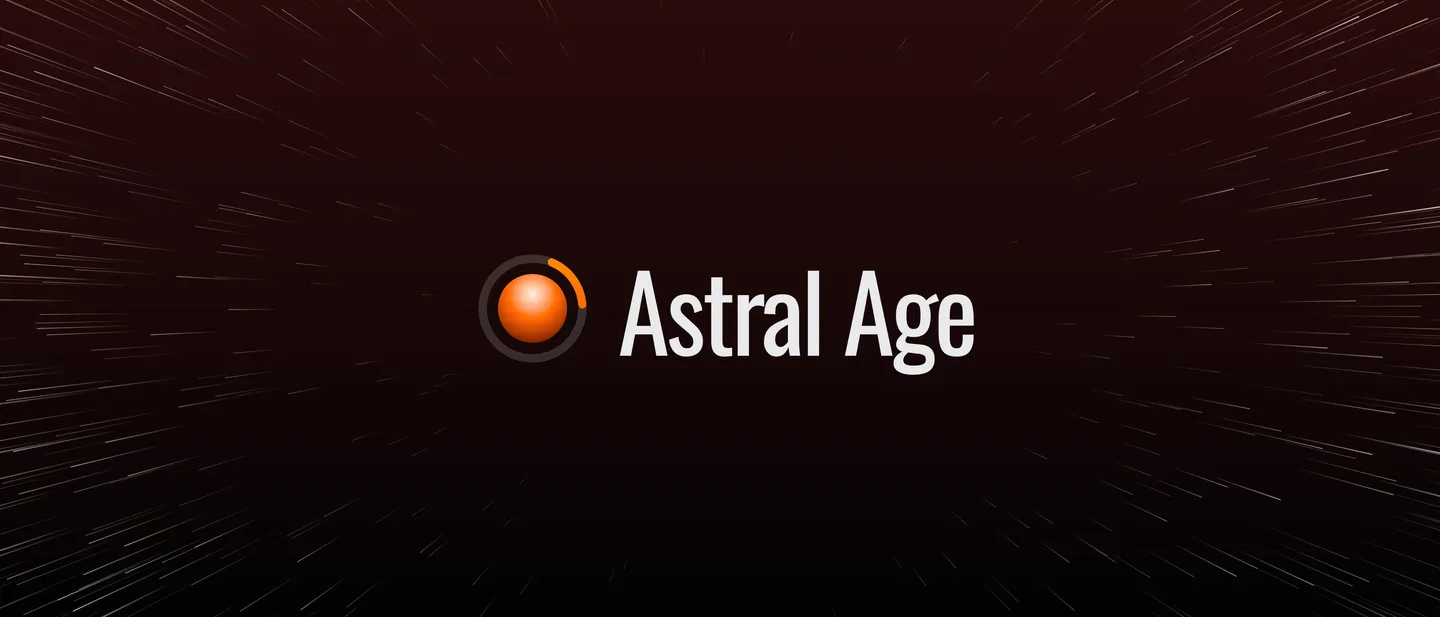
Apple's only layout advice is to keep the focal point in the center. So the logo sits in the middle, and the stars fill the rest.
How I made them
I didn't open a design tool. Each image is an HTML page with CSS, rendered to a PNG at the exact size Apple asks for.
Apple's rules
The search result image is 3:2, from 1920 × 1280 up to 3840 × 2560. The header is 21:9 at 3840 × 1646. Neither may have transparency, and Apple publishes no safe areas for them.
The brand, from the website
The colours and fonts come from the AstralAge website: Oswald font for headings, the dark red Mars gradient for the background, and orange as the one accent. The template loads the font files and the icon layers straight from the app's repository, so the images always match the app.
The search result image
The left half has the logo, the headline and three short lines. The right half shows three iPhone screenshots fanned out: the Earth in front, the Moon and Mars behind it, tilted and slightly blurred so the middle one stands out.
Every version is a small JSON file. This is the one in the screenshot above:
{
  "headline": "Discover your\n",
  "headline_accent": "Cosmic Age",
  "subline": "42 on Earth.\n22 on Mars.\nBarely 3 on Jupiter.",
  "headline_size": 128,
  "subline_size": 64,
  "screenshots": {
    "center": "screenshots/earth.png",
    "left": "screenshots/moon.png",
    "right": "screenshots/mars.png"
  }
}
The other four versions change the headline, the lines and which screenshots they use. Settings shared by all of them, like the canvas size and the blur, sit in one defaults file.
The header
The header is the logo, centered, in front of a star field. A script draws 1,200 star streaks on a canvas, pointing out from the middle and getting longer and brighter toward the edges, which makes it look like flying through space. The stars come from a seeded random generator, so every render is the same, and a different seed gives a different sky. The number of stars, their length, colours and the empty space around the logo are all settings in JSON.
Rendering
A short Python script, with no dependencies, fills each template with its JSON and opens it in headless Chrome at the exact pixel size. Chrome's screenshot is the PNG I upload.
python3 marketing/render.py                          # every image
python3 marketing/render.py search_result/exact-age  # one version
Changing a headline, swapping a screenshot or adding a version is a JSON edit and one command.
Will it help?
I don't know yet. Few apps use these images so far, so AstralAge should stand out in search results. What I care about is whether more people who find it in search tap through and download it.